The 3-Layer AI Second Brain Framework That Changed How I Work

Most people think building a second brain means organizing notes. They're wrong. Here's the framework I wish I knew sooner.
I used to think building a second brain meant being more organized.
More folders. Better templates. Cleaner structures.
So I spent hours setting up Notion dashboards. Color-coded folders. Tags within tags within tags.
And you know what happened?
Nothing. My notes were prettier but just as useless.
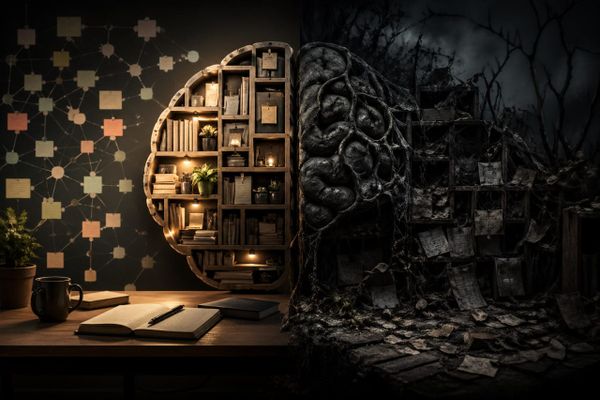
Then I learned the truth: organizing without AI is just building a neater mess.
The Problem with Traditional Note-Taking
Here's what most people experience:
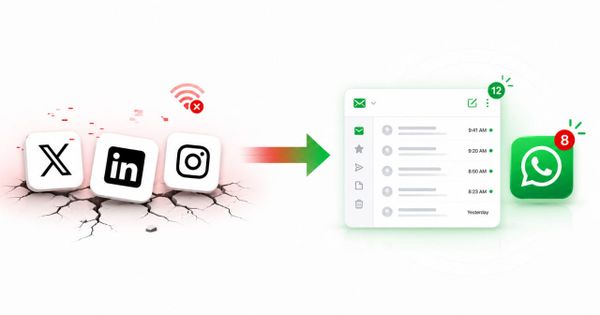
- Notes scattered across phone, WhatsApp, Google Docs, Notion
- "I know I read that article but I can't find it"
- Ideas at 2am, forgotten by morning
- Staring at a blank document for 30 minutes
- Forgetting what you meant to do
The issue isn't how you organize. The issue is you're the one doing all the work.
You search. You scroll. You remember.
What if something else could do that for you?
The 3 Layers of an AI-Powered Second Brain
Most people only know Layer 1. Here's all 3.
Layer 1: Capture
Write it down immediately. Don't organize — just capture.
The rule: 30 seconds max per capture.
If it takes longer, you're overthinking. Just dump the thought and move on.
Example:
- Idea for a blog post? → Capture it
- Client feedback? → Capture it
- Random thought at midnight? → Capture it
Don't judge. Don't format. Don't organize.
Just capture.
Layer 2: Organize (The PARA Method)
Not about folders — about decisions.
PARA stands for:
- Projects — Things with deadlines
- Areas — Ongoing responsibilities
- Resources — Reference material
- Archive — Done, inactive
The question isn't "Where does this go?"
It's "What project does this support?"
This shift changes everything. Instead of building a library, you're building a decision-making system.
Layer 3: AI Integration ← Where the Magic Happens
This is where most systems fail.
You can have the cleanest folders, the best templates, the most disciplined capture habit.
But if you're still the one doing all the searching, retrieving, and remembering — you haven't built a second brain. You've built a better filing cabinet.
AI integration means:
- Your AI reads all your notes
- Your AI knows your projects, your context, your goals
- Your AI retrieves what you need, when you need it
- Your AI reminds you of things you forgot you knew
Instead of:
"I need to find that article about X I read last month"
You say:
"Nat, find me that article about X I read last month"
And it happens. In seconds.
What This Actually Looks Like
Before AI Second Brain:
- Prepare for client call: 1 hour of searching through old notes
- Write a blog post: 2 hours of staring at blank document
- Find that idea from 3 weeks ago: 20 minutes of scrolling
After AI Second Brain:
- Prepare for client call: 5 minutes with AI summarizing relevant notes
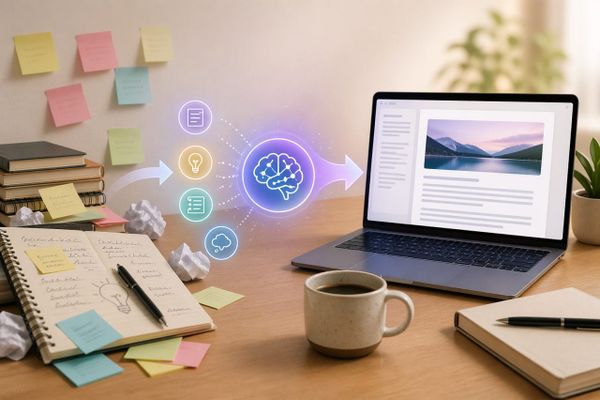
- Write a blog post: AI drafts from your own knowledge base
- Find that idea from 3 weeks ago: Ask AI, get answer in 10 seconds
The time difference isn't marginal. It's transformative.
The 3 Rules That Make It Work
If you take nothing else from this post, remember these:
- Capture fast, organize later — 30 seconds max. Don't let capture become a task.
- AI must do the retrieving — If you're still searching manually, AI integration hasn't happened yet.
- 5 minutes daily beats 2 hours weekly — A short daily review keeps your second brain alive. A long weekly session is just procrastination disguised as productivity.
You Don't Need Another App
Here's the secret: you probably already have the tools.
- Notes app + ChatGPT = Basic AI second brain
- PARA folders in Notion or Obsidian = Organization layer
- 30-second capture habit = The missing piece
The apps aren't the system. You are.
AI just amplifies what you already have.
Ready to Build Yours?
The framework is simple. The execution is simpler.
Start with Layer 1 today:
- Open your notes app
- Capture 3 things you've been thinking about
- Set a reminder to do this every day for 1 week
That's it. No folders. No templates. No perfect system.
Just capture. Everything else comes later.
Questions about the framework? Drop them in the comments. I read every single one.