OpenClaw Setup Guide: Cara Setup AI Assistant Personal (LENGKAP 2026)
Guide lengkap cara setup OpenClaw, AI assistant personal untuk content creators & marketers Malaysia. Include Obsidian, WhatsApp, Telegram integration. Steps detail.
Last Updated: March 2026
Affiliate Disclosure
Post ni mengandungi affiliate links. Bila anda signup melalui links tersebut, saya mungkin dapat komisen kecil tanpa extra cost untuk anda.
Overview
Guide ni untuk tunjuk cara setup OpenClaw, AI assistant yang saya panggil "Nat", integrate dengan Obsidian vault (aka "second brain") dan macamana saya guna "Nat" untuk bantu workflow saya dalam menghasilkan content.
Apa yang kita akan cover:
- Hardware requirements
- OpenClaw installation
- AI model configuration (MiniMax)
- Brave Search API integration
- Obsidian vault integration
- WhatsApp channel setup (serta Telegram)
- Automation dengan cron jobs
- Security best practices
1. Hardware Yang Saya Guna
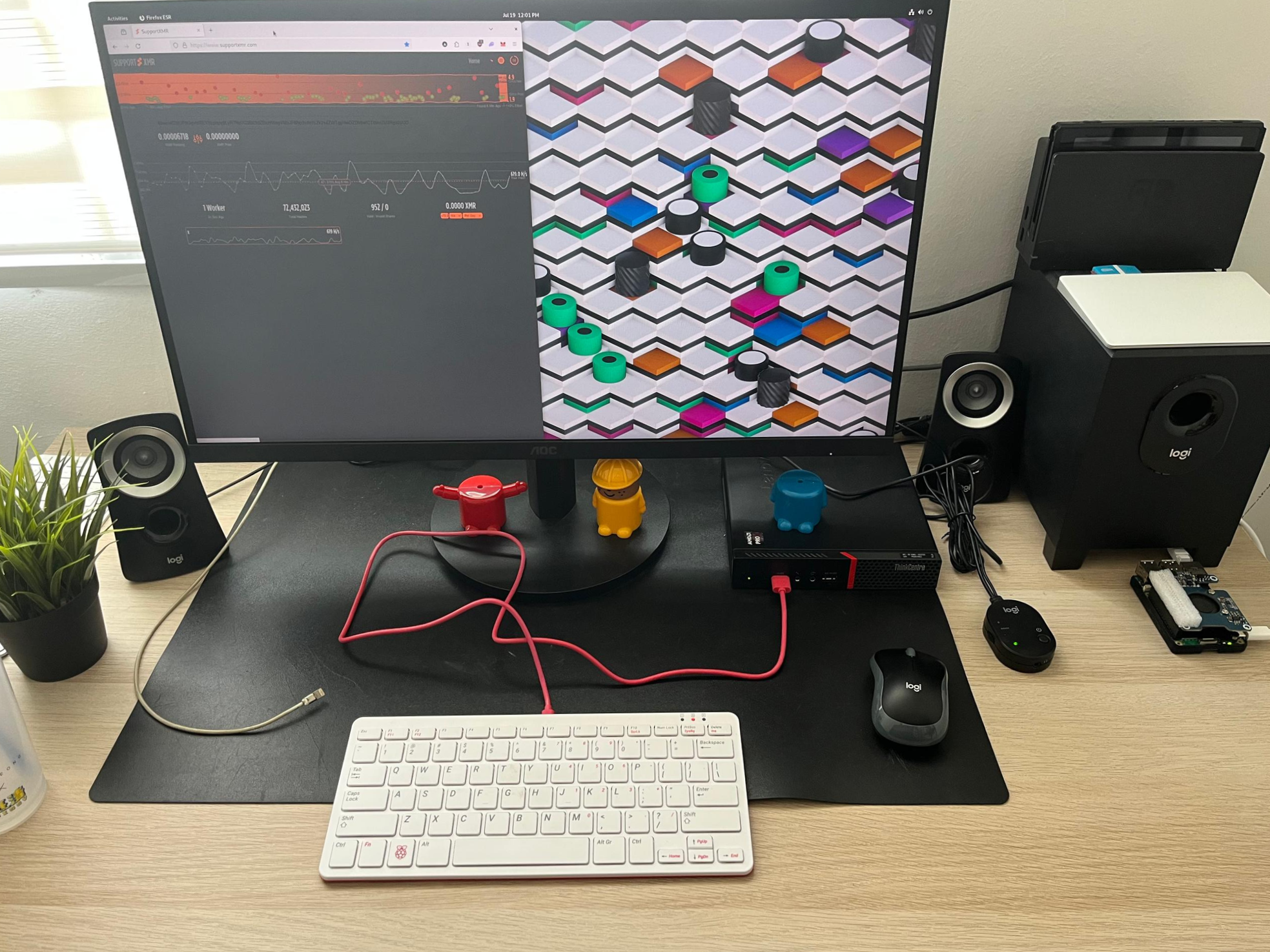
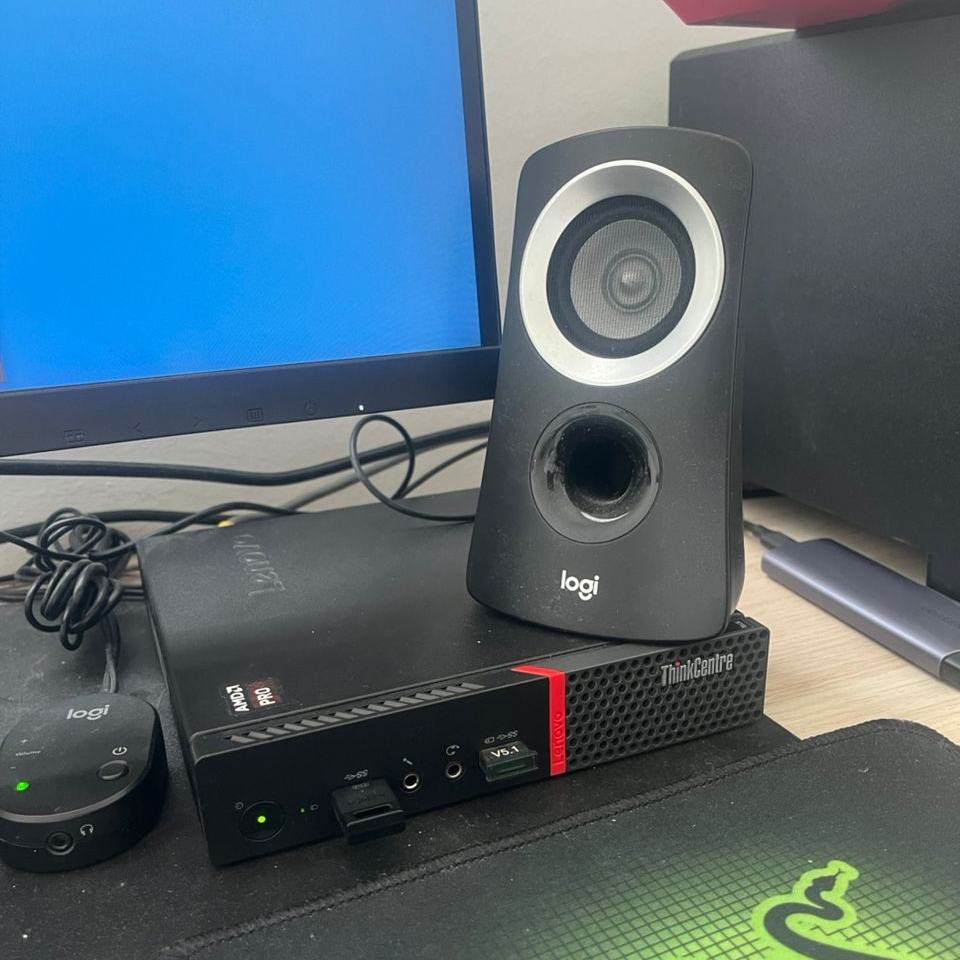
Setup saya menggunakan small form factor PC di rumah. Component utama:
| Device | Role | Specs |
|---|---|---|
| Lenovo M715q | Main server | Lenovo ThinkCentre, Linux, 16GB RAM |
| Pi4 | NAS/Storage | 4GB RAM, 1TB SSD |
| Pi5 | Pi-Hole | 4GB RAM |
Kos setup saya adalah dalam ~RM700, tidak termasuk Raspberry Pis.
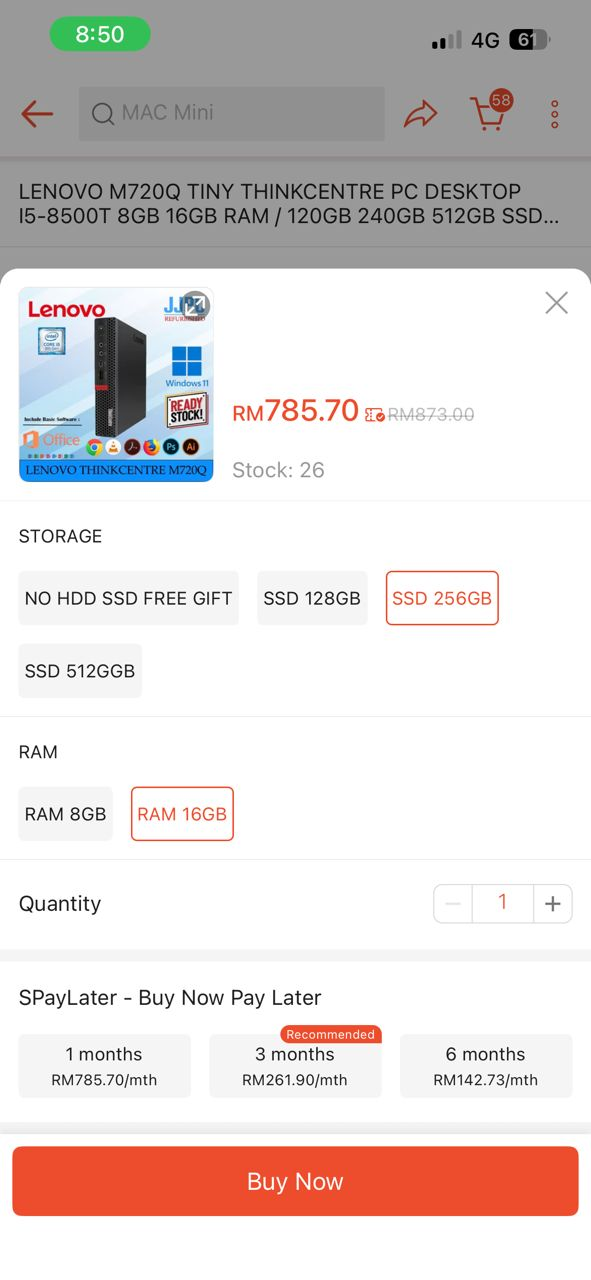
Pro tip: Kalau nak cari small factor PC, search untuk M720Q di Shopee.
Minimum Requirements
Actually untuk run OpenClaw, anda boleh guna PC atau laptop lama jugak. Just make sure anda ada minimum requirement ini:
- CPU: 2 cores (mana-mana processor modern)
- RAM: 4GB (8GB recommended)
- Storage: 20GB SDD
- OS: Ubuntu atau Debian
Kenapa Ubuntu atau Debian? OS ni jauh lebih "ringan" berbanding dengan Windows.
Options yang anda boleh guna:
- Laptop/PC lama
- Raspberry Pi 4/5 (slow sikit)
- Small form factor PC (macam M720q)
- DigitalOcean – untuk yang prefer cloud VPS
2. Install OpenClaw
Step 1: Install Node.js and npm
# Update system
sudo apt update && sudo apt upgrade -y

# Install Node.js (LTS version)
curl -fsSL https://deb.nodesource.com/setup_20.x | sudo -E bash -
sudo apt install -y nodejs

# Verify installation
node --version
npm --version
Step 2: Install OpenClaw

Kalau anda tak nak pening kepala, boleh saja guna cara quick start ni. Applicable untuk semua OS tak kira Windows, MacOS atau Linux.
# Install with one-liner
curl -fsSL https://openclaw.ai/install.sh | bash

# Verify installation
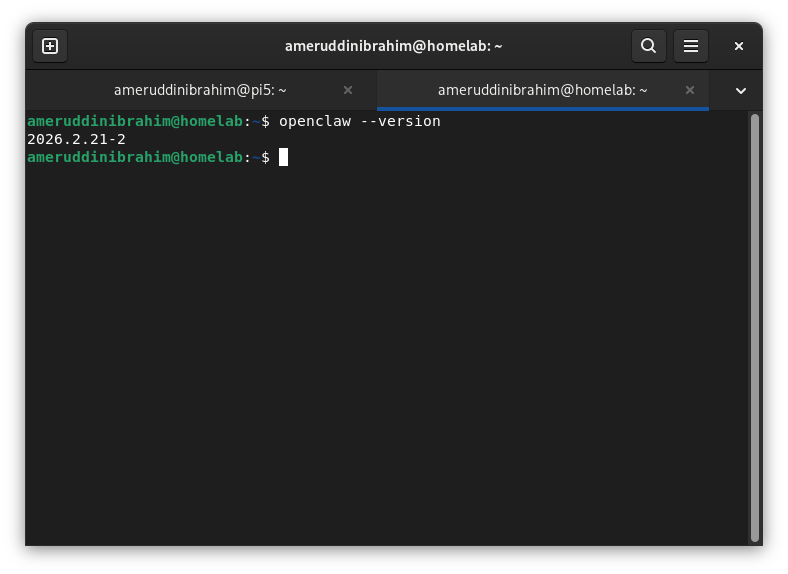
openclaw --version
Step 3: Initial Setup
Tadaa! Kalau anda belum penah try guna terminal, sekarang kita sedang melangkah masuk ke new realm of computing.

Part ni anda akan create configuration files dan start gateway.
3. Configure AI Models
Power of OpenClaw bila kita integrate LLM seperti MiniMax, Claude, Gemini.
Kenapa MiniMax?
| Factor | MiniMax | Options Lain |
|---|---|---|
| Cost | ~RM50-100/bulan | Claude: RM300+/bulan |
| Context | 200k tokens | GPT-4: 128k |
| Speed | Fast | Comparable |
| Languages | Excellent (termasuk Malay) | Good |
Sebagai digital marketer atau SEO writer macam saya yang buat high-volume content, MiniMax sangat cost-effective.
Cara Setup MiniMax API
- Signup kat MiniMax
- Get API key dari dashboard
- Configure OpenClaw untuk guna MiniMax:
openclaw configure --section model
Masukkan:-
- Model provider: minimax
- API key: your MiniMax API key
- Model name: MiniMax-M2.5
Latest update: MiniMax M2.5 is now available! Check MiniMax platform for latest models.
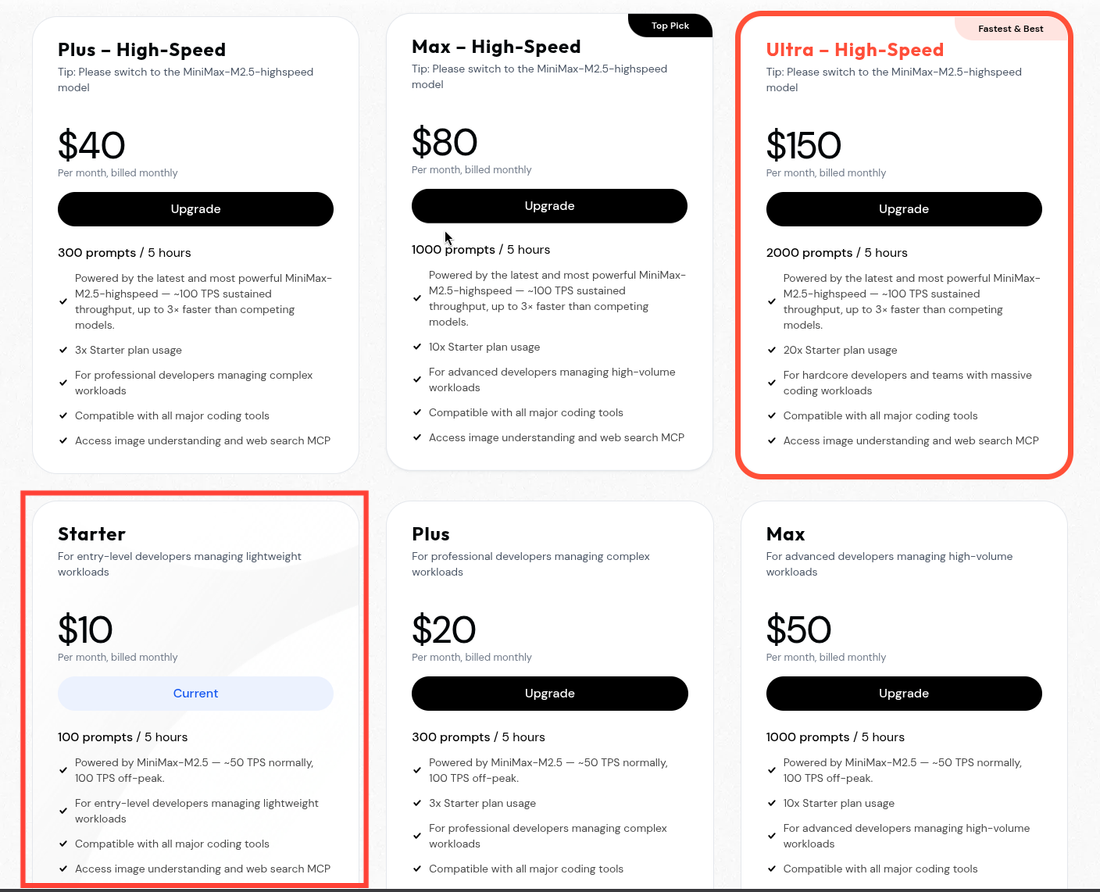
🎁 MiniMax Coding Plan New Year Mega Offer!
Btw, sekarang MiniMax tengah offer Exclusive 10% OFF. Kalau anda guna link saya, kita berdua dapat 10% OFF. It's ready-to-use API vouchers untuk anda!

4. WhatsApp Channel Setup
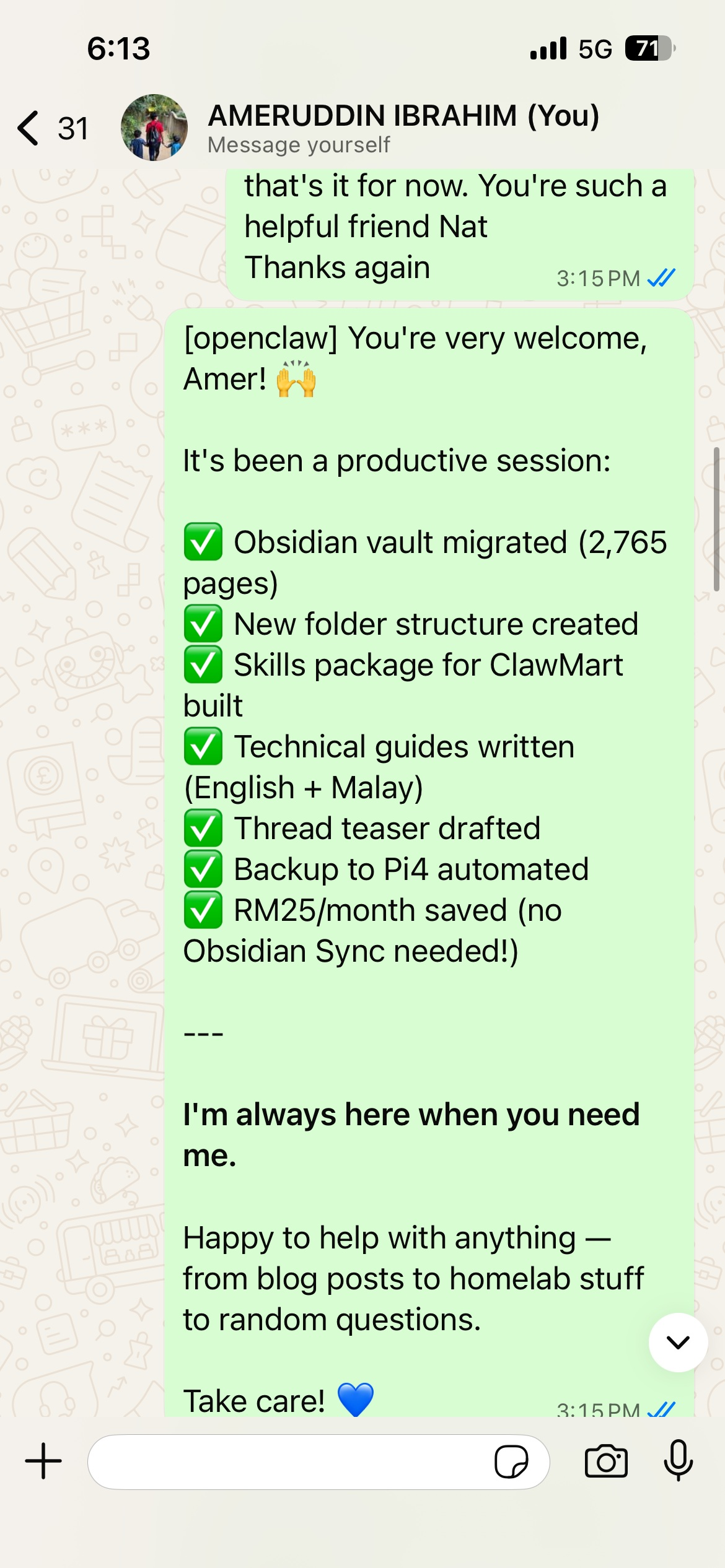
WhatsApp Setup
openclaw configure --section channel.whatsapp
Scan QR code dengan WhatsApp untuk link.
Telegram Setup
Search "BotFather" untuk create bot, then configure dalam OpenClaw.
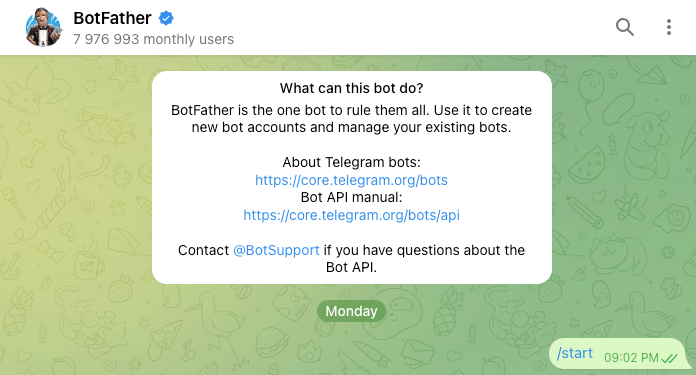
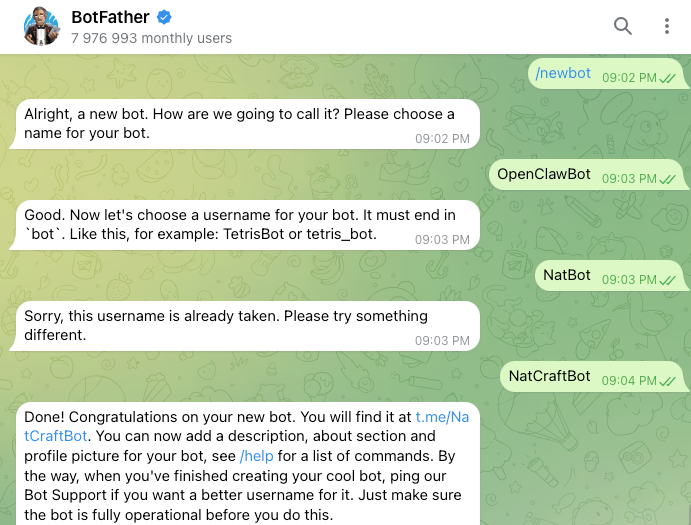
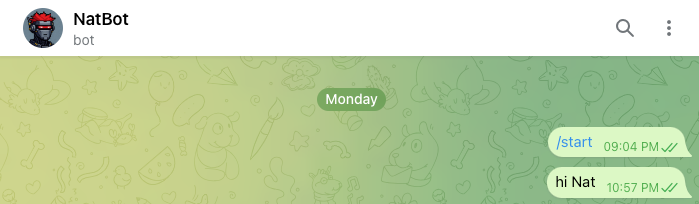
Lepas setup, anda boleh chat dengan "Nat" melalui WhatsApp atau Telegram!
5. Brave Search API Integration
LLM + Brave Search = Powerful combination.
LLM adalah "otak AI" – boleh baca, faham, dan jawab soalan. Tapi LLM tak tahu benda latest.
Search engine seperti Brave Search:-
- Cari info terkini di internet
- Bagi real-time data
- Boleh sahkan fakta semasa
Contoh terdekat:
“Harga Bitcoin hari ni?”
LLM tak tahu, tapi Brave Search boleh cari dan dan tu jugak.
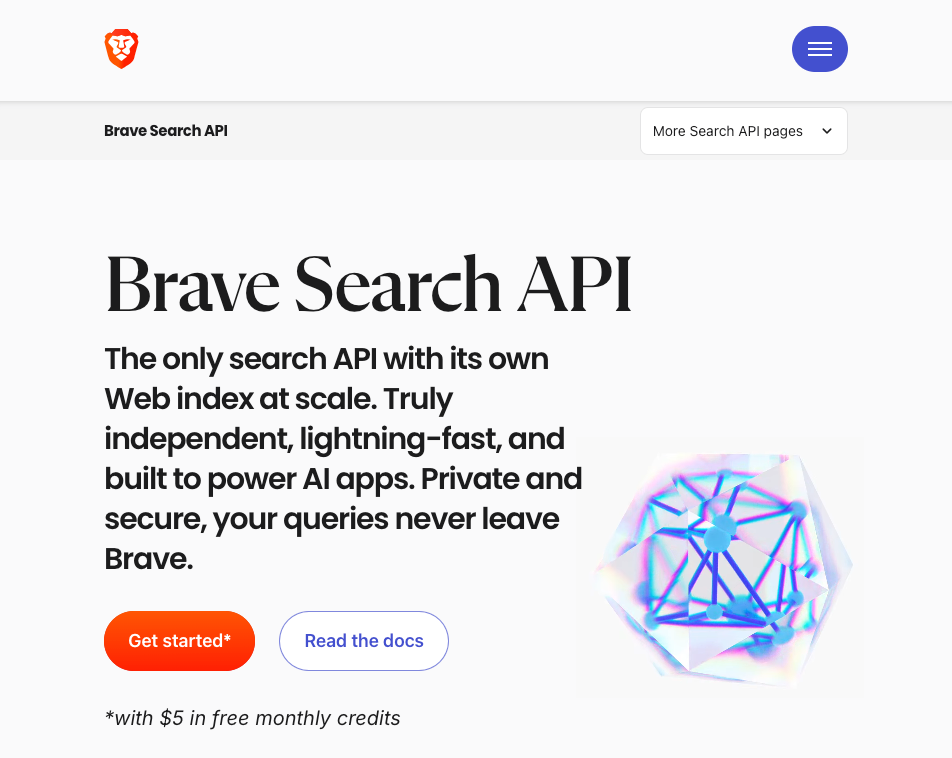
Kenapa Brave Search?
- Independent index (bukan Google/Bing)
- $5 free credits/bulan (2,000 searches)
- Fresh, current information
- No tracking
Kenapa Brave Search?
- Independent index (bukan Google/Bing)
- $5 free credits/bulan (2,000 searches)
- Fresh, current information
- No tracking
Setup
- Sign up kat Brave API
- Get API key
- Configure dalam OpenClaw:
openclaw configure --section web
6. Obsidian Vault Integration
Architecture
┌─────────────┐      ┌──────────────┐      ┌─────────────┐
│   User      │ ──── │   OpenClaw   │ ──── │  Obsidian   │
│  (WhatsApp) │      │   (Gateway)  │      │   Vault     │
└─────────────┘      └──────────────┘      └─────────────┘
                            │
                     ┌──────┴──────┐
                     │   MiniMax   │
                     │   (AI Brain)│
                     └─────────────┘
Step 1: Locate Your Vault
# Common locations
ls -la ~/Obsidian/
ls -la ~/Documents/Obsidian/
ls -la ~/.obsidian/
Step 2: Grant Access
Vault saya berada di:
/home/ameruddinibrahim/Amer's Vault/
Step 3: Configure dalam OpenClaw
Sekarang saya boleh:-
- Read any file dalam vault
- Search across all notes
- Use notes as context untuk content creation
7. Security Best Practices
Apa yang Saya Implemented
| Practice | Implementation |
|---|---|
| Local-first | Everything runs on local server |
| API keys | Stored securely, not in git |
| Firewall | Only necessary ports open |
| Updates | Regular security updates |
| Backups | Vault backed up regularly |
Recommendations
- Don't expose gateway to internet - Use Tailscale untuk remote access
- Rotate API keys - Change every few months
- Monitor usage - Keep track of API costs
- Backup everything - Regular vault backups
8. Cost Breakdown
Monthly Costs
| Service | Cost (RM) |
|---|---|
| MiniMax API | 50-100 |
| Brave API | 0 (free tier) |
| Electricity (server) | 20-30 |
| Total | 70-130 |
One-Time Costs
| Item | Cost (RM) |
|---|---|
| M715q (used) | 800-1,200 |
| SSD/Storage | 200-400 |
| Total | 1,000-1,600 |
9. Troubleshooting
Common Issues
| Problem | Solution |
|---|---|
| Gateway won't start | Check port 18789 is available |
| Check port 18789 is available | Verify API keys are correct |
| Slow responses | Check server resources (CPU/RAM) |
| Channel issues | Re-link dengan `openclaw configure --section channel.whatsapp` |
Logs
# View gateway logs
openclaw logs

# View specific session
openclaw sessions history <session-id>
10. Apa Saya Boleh Buat Sekarang
Dengan setup ni, "Nat" boleh:
- ✅ Search web untuk info terkini
- ✅ Baca and analyze Obsidian notes
- ✅ Draft content using research
- ✅ Run automated tasks on schedule
- ✅ Answer questions via WhatsApp/Telegram
- ✅ Help dengan SEO research
- ✅ Analyze finances (from CSV exports)
- ✅ Plan trips and research destinations
PRO TIPS: Benda yang Anda Mungkin Berminat atau Harus Tahu
1. 📝 Buat Template dalam Obsidian
# {{title}}
Date: {{date}}

## Quick Summary
<!-- One sentence -->

## Key Points
-

## Next Steps
-

---
2. 🔗 Use Wiki Links
Link notes dengan [[note-name]]. AI boleh find connections between ideas!
3. 🎯 Daily Note Habit
Install "Daily Notes" plugin dalam Obsidian. Build your second brain consistently!
4. 🔍 Meta-Commands untuk AI
Cuba:
- "Search my vault for [topic]"
- "Give me summary of my notes about [X]"
- "What ideas do I have about [Y]?"
5. 📊 Automated Backups (CRITICAL!)
# Simple backup
cp -r ~/Obsidian/ ~/Backups/Obsidian-$(date +%Y%m%d)
6. 🏷️ Use Tags Strategically
| Prefix | Guna Untuk |
|---|---|
| #ideas | Content ideas |
| #draft | Work in progress |
| #published | Published content |
| #research | Notes for research |
| #personal | Personal stuff |
7. 📂 Folder Structure - Start Simple
Obsidian/
├── Inbox/       # Quick captures
├── Projects/    # Active projects
└── Archive/    # Old stuff
8. 💰 Monitor API Costs
Track your spending:
| Service | Budget | Alert |
|---|---|---|
| MiniMax | RM100/month | Set limit |
| Brave | $5 free | Don't exceed |
Summary
Dengan setup ni, anda boleh stop di sini. Anda dah ada "superpower"!
Tapi the next level adalah bagi full akses kepada notes dan semua input pada OpenClaw. Like what I did with my 2,800 notes from Roam → Obsidian.
Cuba setup sendiri dan rasa bezanya. Happy to help if ada sebarang pertanyaan!
Question? Drop them below!